
Here are a few more screen shots. As you can see I did manage to trick on the glass and it looks way better now.Even better than I expected it to.
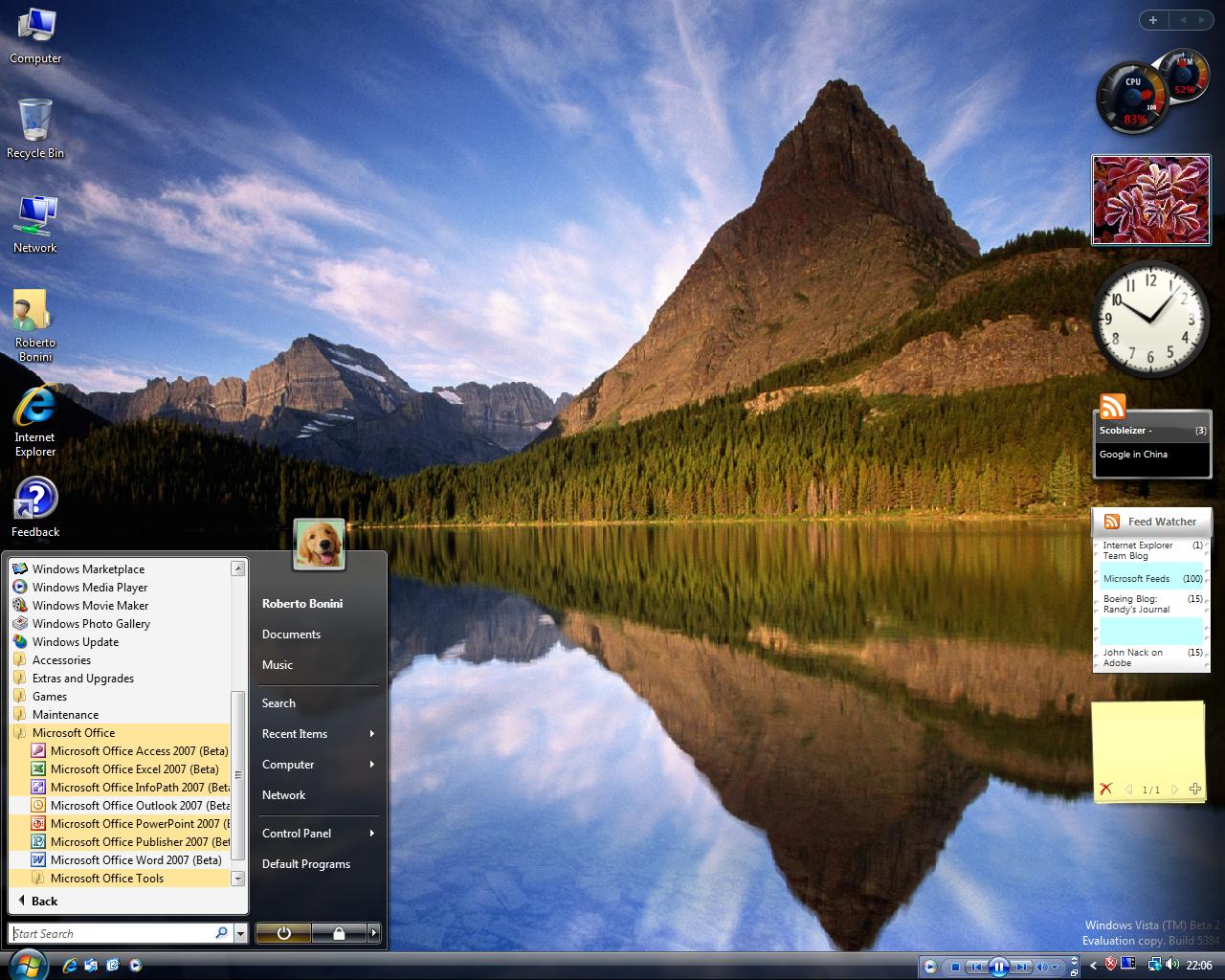
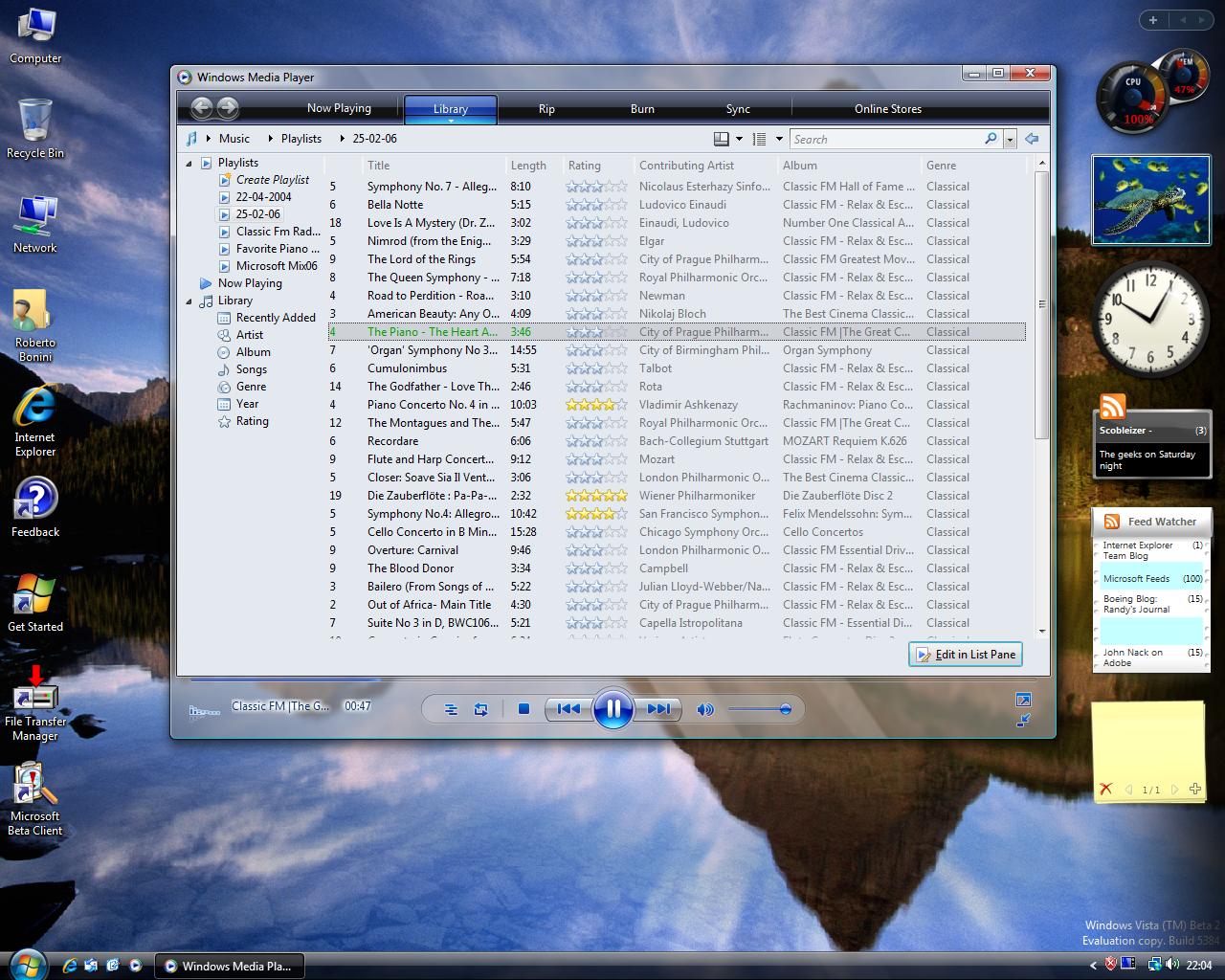

Also, adding pictures to this post in IE7 beta was a nightmare. had to add my blog to my trusted site list and this turn all the trusted site settings off. And then had to click display blocked content after saving,twice (once for each picture). Another bug report.
Secondly, Nortons will not work in Vista. Wrong. An update has just been released that should fix this. Its installed and time to restart. 🙂
Update: I'm not going through the hassel in IE7 of redoing the pictures so that you can see the full res versions. I'm going to reboot to XP to do that. Or install Firefox 🙂
Update2: Norton Internet Security 2006 still will not work. And the firefox install was a breeze.

 Random Musings
2 thoughts on “Windows Vista: Screen Shots part 2”
Comments are closed.