My RSSCloud Server: Thinking of doing some screencasts.

This year was my last at Uni ( actually, i still have an exam to write, so the past tense isn’t accurate). As is typical with Honours year undergraduates, a final year project was set.

If you are regular reader of this blog, you’ll probably know that what i picked was a RSSCloud server running on Windows Azure. However, as they say on the home shopping networks, THERES MORE! My project needed a little more body to it. So I added an online Feedreader, in other words a poor (dirt-simple) imitation of Google Reader.

Now, this app uses a number of technologies for which it would be a pretty cool demo project. Windows Azure itself (obviously), Windows Azure Tables and Blobs, LINQ, WCF, MVC2 and so on. This includes it being a demonstrator of the RSSCLoud specification itself.

Although its an academic submission, my lecturers are fine with me opensourceing it.

Given the rise of .Net 4, and the experience points gained writing the first version, I feel that everyone would be better served with a rewrite. Not to mention the fact that It’ll give me a chance to use the new Windows Azure Tools for Visual Studio.

As I re-write it, I think a screencast series is in order. All the code will be checked in to codeplex. This’ll give everyone a chance to double check my logic (particularly interested in what Dave Winer thinks of my implementation of RSSCloud).

So, firstly, What do you think?

And secondly, anyone know a good hosting provider? I don’t know about Youtube. But Vimeo looks pretty good. If their limit is 500Gbs/per week upload space, it’ll give me chance to do one video each week, more or less.

I have all the software required to pull this off. So thats not a problem. I actually did a screencast of a live coding session in class for one of my lectures (writing an interpreter turns out to be pretty fun, actually).

i think this would be a pretty good contribution to the community as a whole.
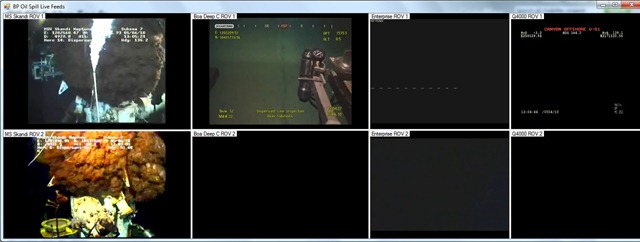
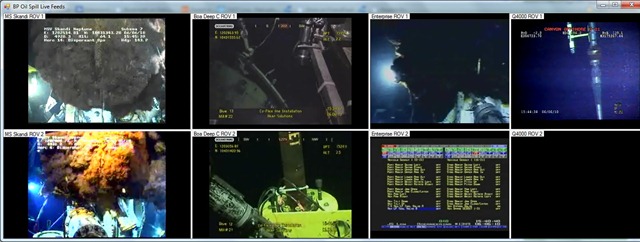
Theres an App for that: BP Oil spill live feeds

SpillFeeds

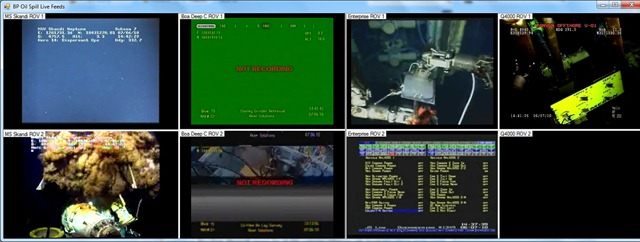
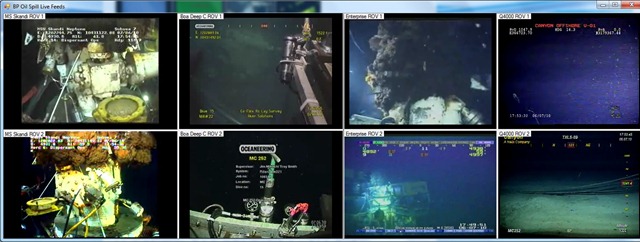
SpillFeeds2 SpillFeeds3 SpillFeeds4

Like that. Took me 30 minutes.

Head over to http://oilslickfeeds.codeplex.com/ to get it.

Note: These are live streams from the ROV’s monitoring the damaged riser. Please be aware, as these are live streams they may freeze or be unavailable from time to time.

(thanks to the Channel 4 TV guys for putting the original web page together)

Update 08/06/2010  There was a problem with the install files. I’ve uploaded a new version. Please do let me know if there are further problems.

Update 24/06/2010  Version 1.3 has been released. please see the details here: https://rbonini.wordpress.com/2010/06/24/oil-spill-app-1-3-screencast/

iTunes Extras

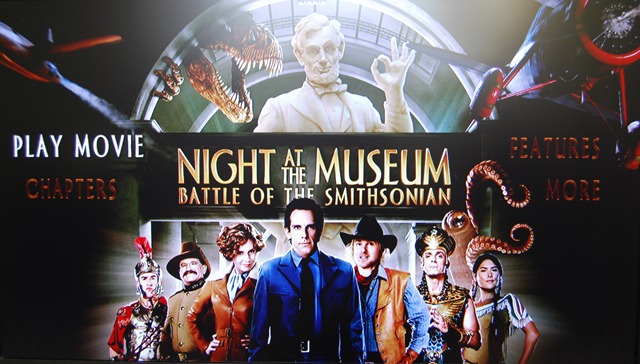
I bought Night at the Museum 2 last night purely to test iTunes Extras.

Naturally, since we’ve had these special features on DVD’s since, well, forever, it wasn’t the most mind blowing experience in the world.

I have to say I have seen some DVD menu’s that look, frankly, a lot better.  But I suspect that it will improve as publishers get to grips with the full capability of the format.

It’s worth noting that iTunes Extras is actually 2 files. The movie itself and the Extras. For a moment I’d though I bought the movie twice. But rest easy.

Here are pictures from my Apple TV.

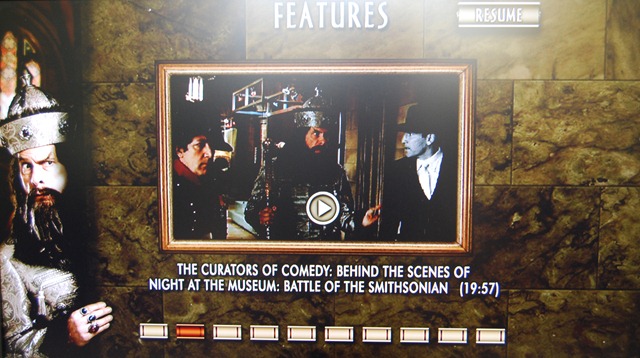
DSC_0001

As you can see, its not strikingly different from a DVD menu.


DSC_0003

Again, not a new feature. Nothing noteworthy here, move along.

 DSC_0005

One nice feature is the above menu, allowing you to go to the extra Screen instead of playing the movie.

 DSC_0007

I must say, it is nice to have special features without having to get the DVD. I hope more and more movie get this, and not just the new releases (Though I did notice that the original The Wizard of Oz movie has Extras – see last picture). I suppose that this is one area where Apple’s grab for the living room puts it in sharp contrast to Windows Media Centre. I don’t think WMC will do the special features if you copy and paste the Video_Ts folder.

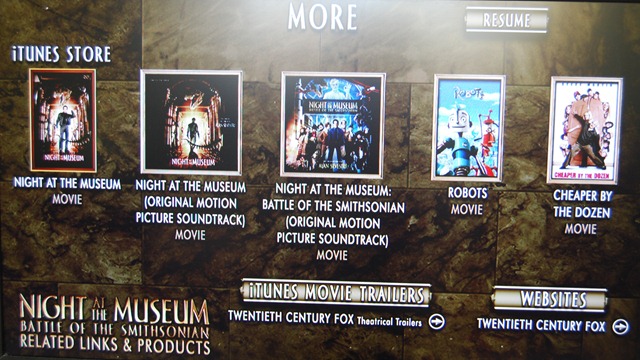
DSC_0009

This is also interesting: a shameless attempt to sell us more stuff. A link to iTunes movie trailers and a link to Twentieth Century Fox. It would be cool if this were updated on a regular basis with other stuff. It would be a good place to put special offers. Such as 50% off the soundtrack because you bought the movie (so you have you buy the movie and get the soundtrack from this screen).

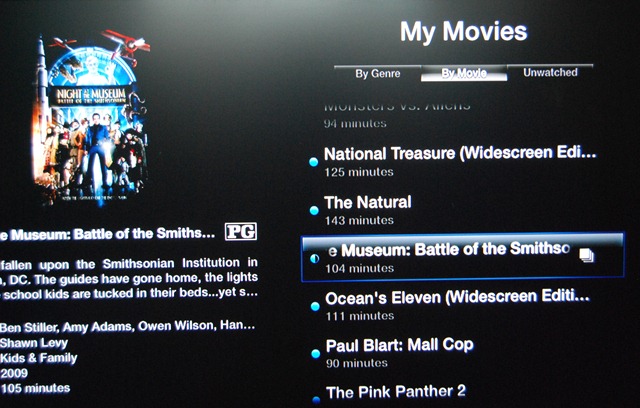
The movies with Extra have this little icon next to them to distinguish them from the rest of the “ordinary” movies:

DSC_0011


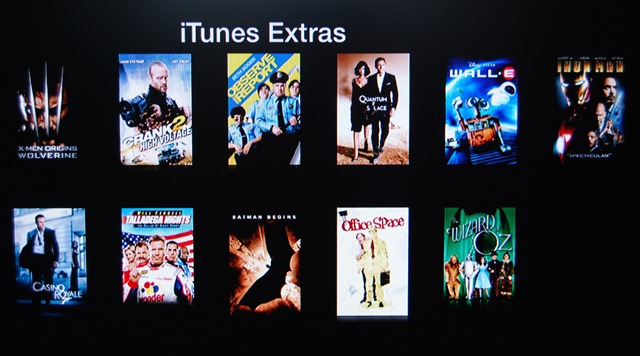
Finally, here are the available movies with iTunes Extras:

 DSC_0012

I have two of those movies: Walle-e and Iron Man, both bought from iTunes when they were released. But iTunes Extras weren’t available then. A Endgaget post seemed to suggest that only if you already bought these with Extras could you re-download them to work with Apple Tv 3.0.2. So I’m not sure hat the deal is. It would be very sad if i could not get Extras for them.

Finally, it would be interesting if someone figured out how to translate from DVD menus to iTunes Extras.

PS And yes, some pictures are not properly centred and are thus utter crap. Sue me. 🙂

Blog Directions

So, this is supposed to be a tech blog (along with the few hundred thousand of them already out there). Thing is that I’ve only used it for two things lately: Youtube videos to do with Apple and various complaints mostly to do with Google et al.

I need to narrow the scope down a bit. not quite sure exactly what on. Lets go through it.

SQL Server? I get the basics but I’d rather use Subsonic any day of the week.

ASP.net? Yes, but 2.0. I’ve used the Visual Studio 2008 and it rocks for web design, so a tour of Visual Web Designer Express 2008 sounds good.

Visual Basic 8.0? Again, I haven’t got round to using it, at least not with .Net 3.5. I’m rather good at VB, if I do say so myself.

C# 3.0? The C version of VB ( I’m kidding 🙂 ), but yeah getting to grips with it might prove entertaining.

LINQ? Haven’t touched it, though I’ve diligently read Scott’s posts on the topic. It sure rocks so I might take it for asp on some Commerce Starter Kit databases I have lying around.

Virtual Server? I actually had a draft post about that lying around somewhere. I’ll get it up as soon as I’ve completed taking VS for a test drive ( always handy to have a copy of Windows Server 2003 and SQL 2005  lying around).

Networking?? I’m laying gigabit throughout the house to a central 24-port switch. So details on that later.

What else? Java??? Seriously, although I can see the languages’ power and potential as well a pretty safe choice when undertaking any software project, I wish Microsoft would do a deal with Jonathan Schwartz and include it as part of Visual Studio. With a .Net interop??? And Sun, please make your Java download page a wee bit more understandable to a  (relative) newbie.

Programming in general?? Perhaps something slightly more advanced than Hello World. Toolkits I use and so on. I mean, application architecture is a huge subject, as is project planning (UML, etc). Plenty we could go over in there.

At the end of the day, its good opportunity to consider moving any future photography posts to their own blog.

You never know.

MacWorld Fallout

iPod Touch update downloaded and installed. Add-on purchased.

I’ve only had a cursory look at the features. And boy do they rock. I was going to say that I really needed a Notes app and his Steveness has gone ahead and stole my thunder. Not that I’m complaining 🙂 .

The Add-on was cheap when I think of the iPod classic owners that I know – they are going to really  be envious.

I’m currently looking at my new Dell Inspiron and wondering who I might sell to get an Air (yes, who).

While I think that one over here’s a Youtube clip making fun of the OTHER software company in action: