So, I've got Vista up an running. Now What?
Well. Its running fine. Had to install updates duing the installation process. Then it had to install two updates via Windows Update, one of which got my sound working.
Second, I tried to install Norton's Internet Security 2004 due to Security Center's whineing about there being no antivirus software installed. It wouldn't even start the Norton's installer due to "Compatibility Issues". Damned thing. I'll have to use Trend Micro as I've still got a license to use with them. Or I'l just run Norton's from my XP install periodicaly to sweep the HD for viruses. I'll look into that.
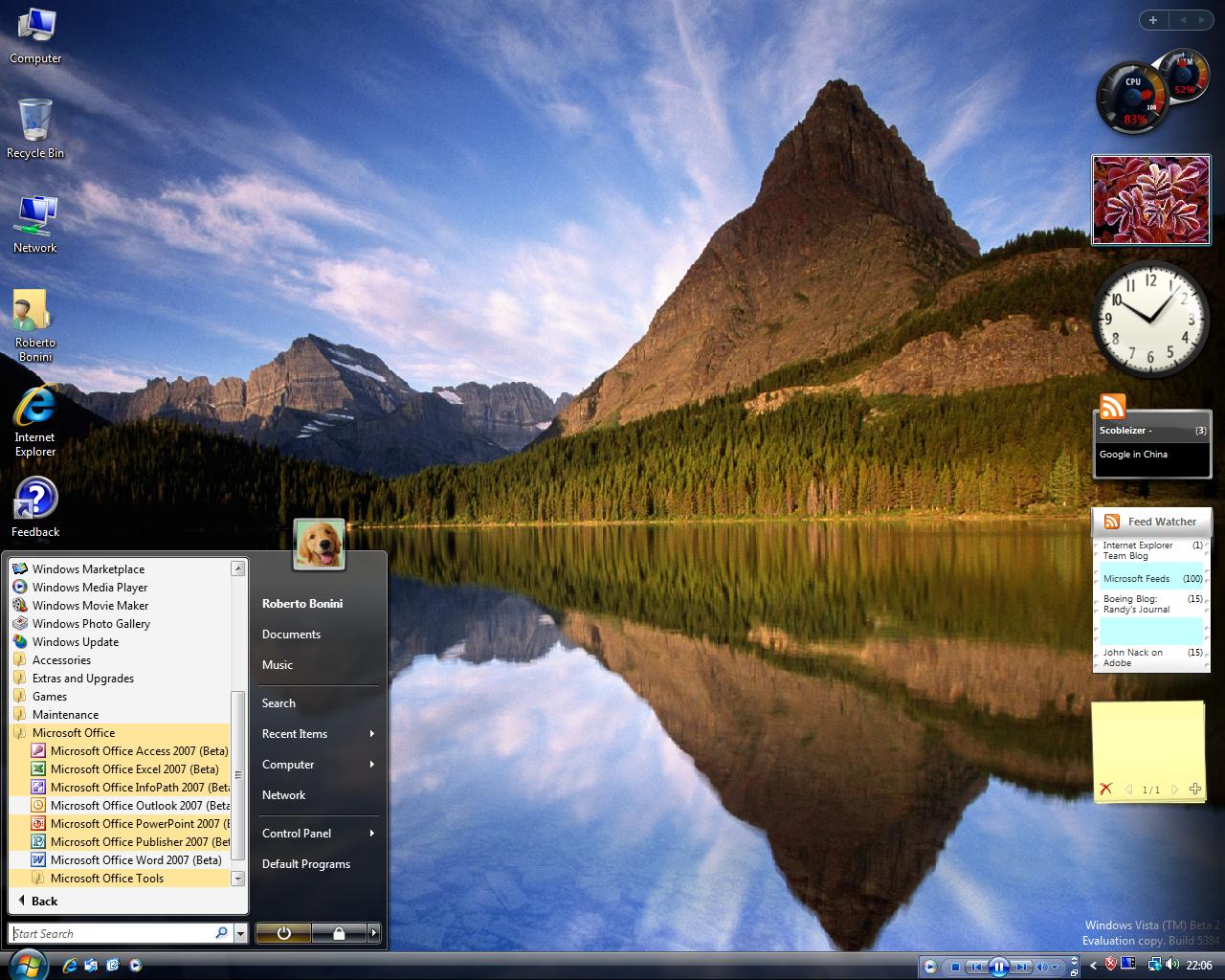
The Start menu is good, takes XP personalisation one step further. Much better organisation and easier on the eyes.
This ties in the the whole aspect of the User Interface.
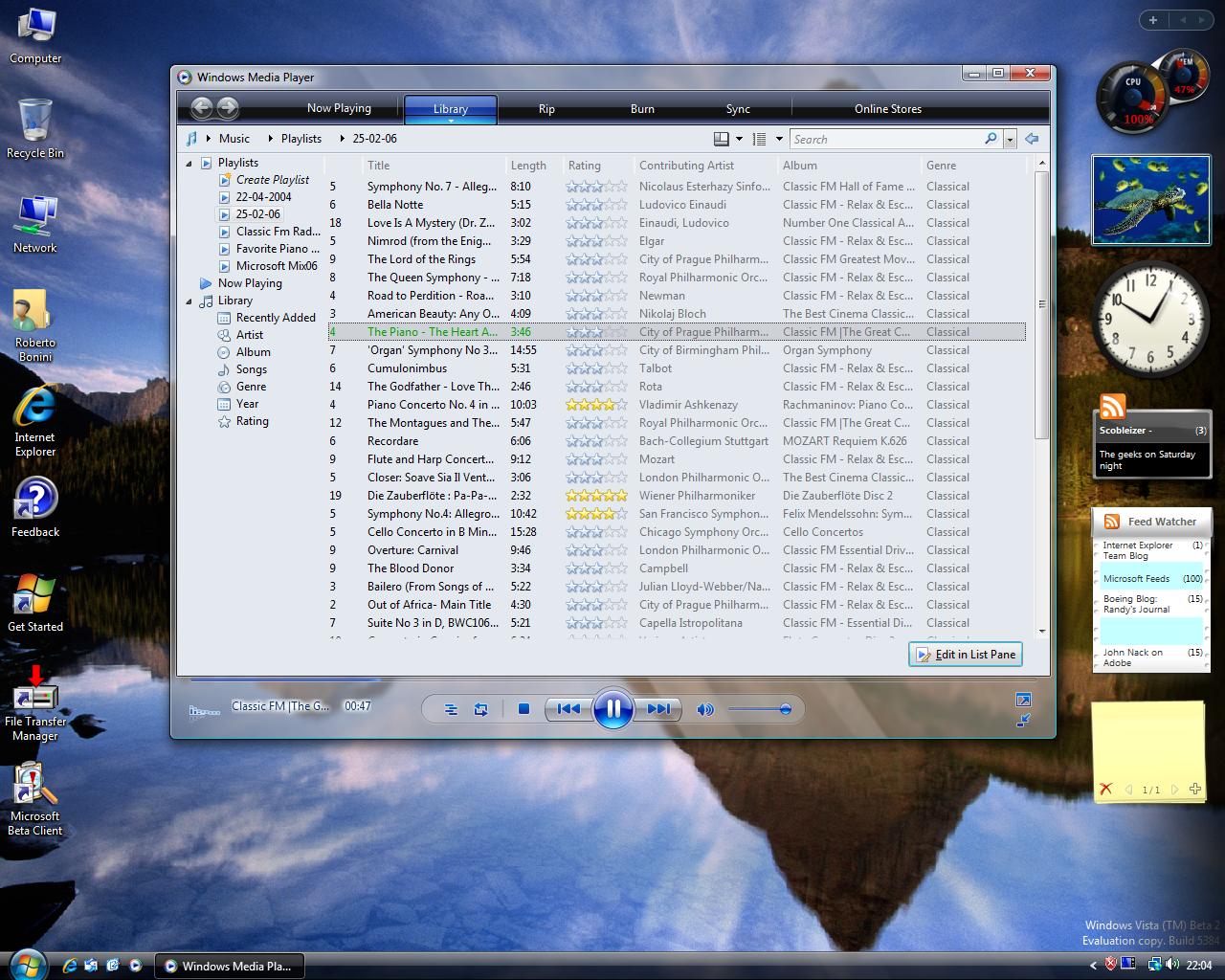
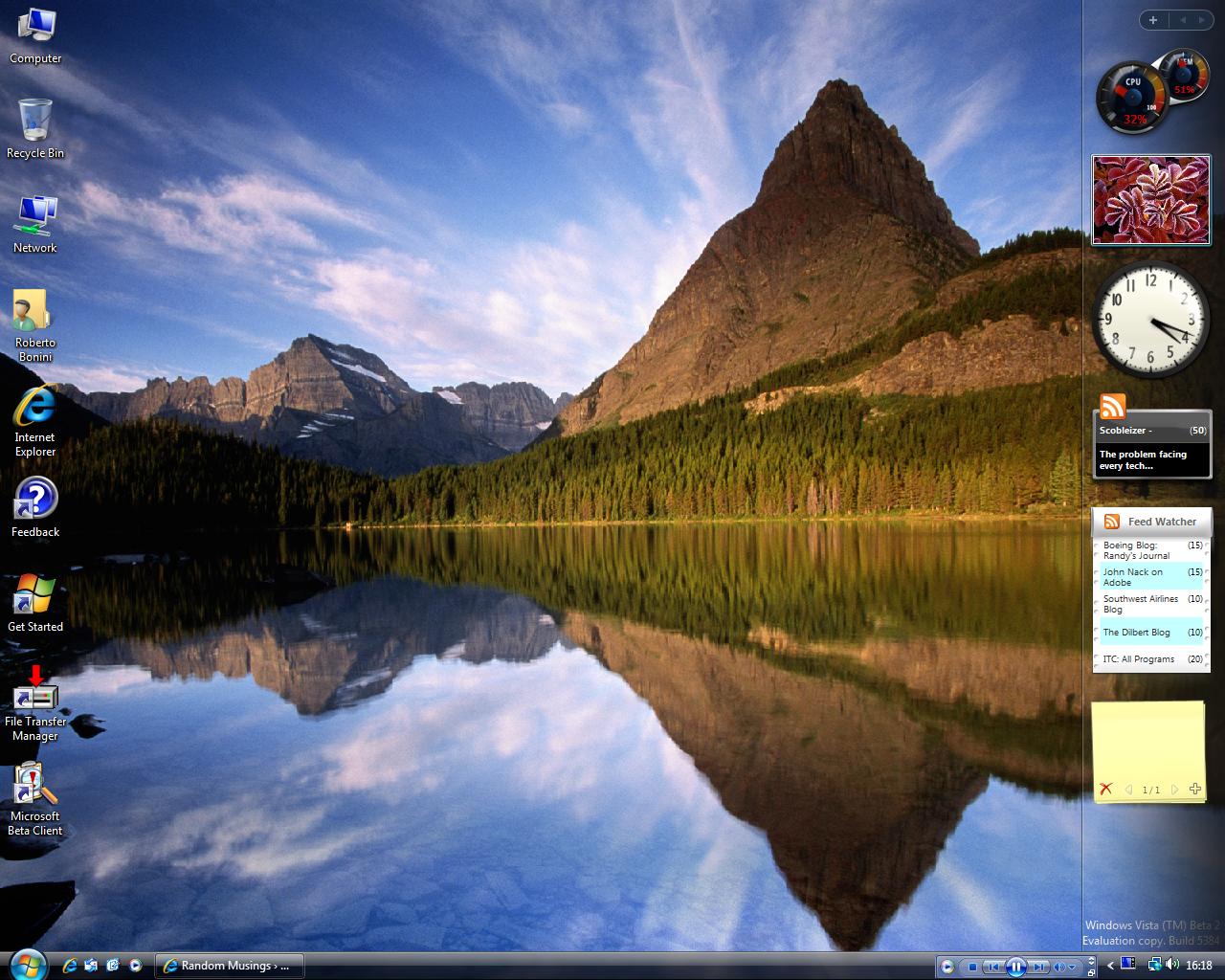
The SideBar is good, it's invisible except for the gadgets on it. If you look the properties theres an option for which monitor you want the sidebar on. This is good for multi-monitor setups that are touted to increase productivity. It is generally indicative of the foward thinking behind the OS as a whole. Its a small feature, but it means alot. The OS Meter gadget is THE coolest thing since sliced bread. OSX Watch Out!!I'll be getting more gadgets from the internet soon.
Now there are numerous display options that will take time to investigate properly. Including the Areo Interface that I've not managed to trick on yet.
The whole OS has a different feel about it, most down to the total redesign of the UI. But alot also goes to the logic of things. The Network Centre is one instance of this. its all there at a glance. Most things that users would want to see are right there. i would like to have an expansion opton to see further, more complicated settings on the same page. The View Status tab on each network is again nicely organised into Ipv4 and IPv6 and is rather logical. But should only one of these be visible depending on which protocol is beng used? Now,I'll go into this a little further in a later post, but having seamlessness denies those users who wish to delve futher into the settings/status the right to do so. Rather, as Adam Greenfield argues in his book Everyware, seamfullness should be used: its the state in which users are made aware of the seams, however subtly, and have the option to further expose those seams, in this case, deeper and deeper levels of settings. More on Everyware later.
Now much of Windows has been rebuilt fromthe ground up. This includes videp, sound, the networking stack and so on. I'm particularly interested in the networking stack as its suppose to offer 40% more usage of bandwidth than the old networking stack used in XP and before. So i'll be looking at that.
I'm extremely positive about Windows Vista and I'll continue to experiance all that it offers.
I'll try post some screenshots soon.


 Random Musings